> ## Documentation Index
> Fetch the complete documentation index at: https://ton.mintlify.site/llms.txt
> Use this file to discover all available pages before exploring further.
# Get Your API Key
> To interact with TON Center’s API at higher rate limits, you’ll need to generate an API key via the official [Telegram bot](https://t.me/toncenter).
## 1. Open the TON Center Bot
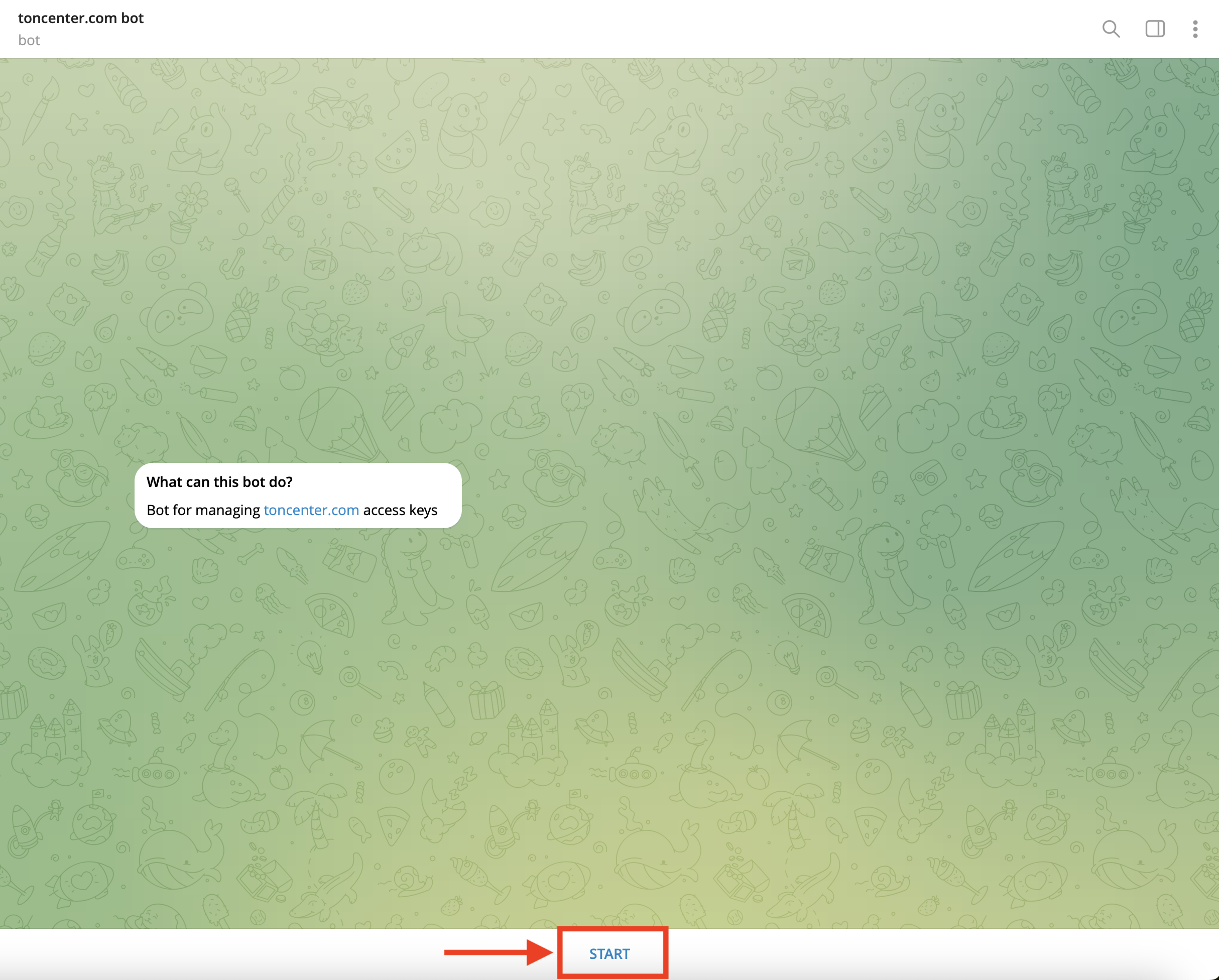
Open the [`@toncenter`](https://t.me/toncenter) bot in Telegram. Click **Start** to begin the setup.
 ***
## 2. Open the API Keys Manager
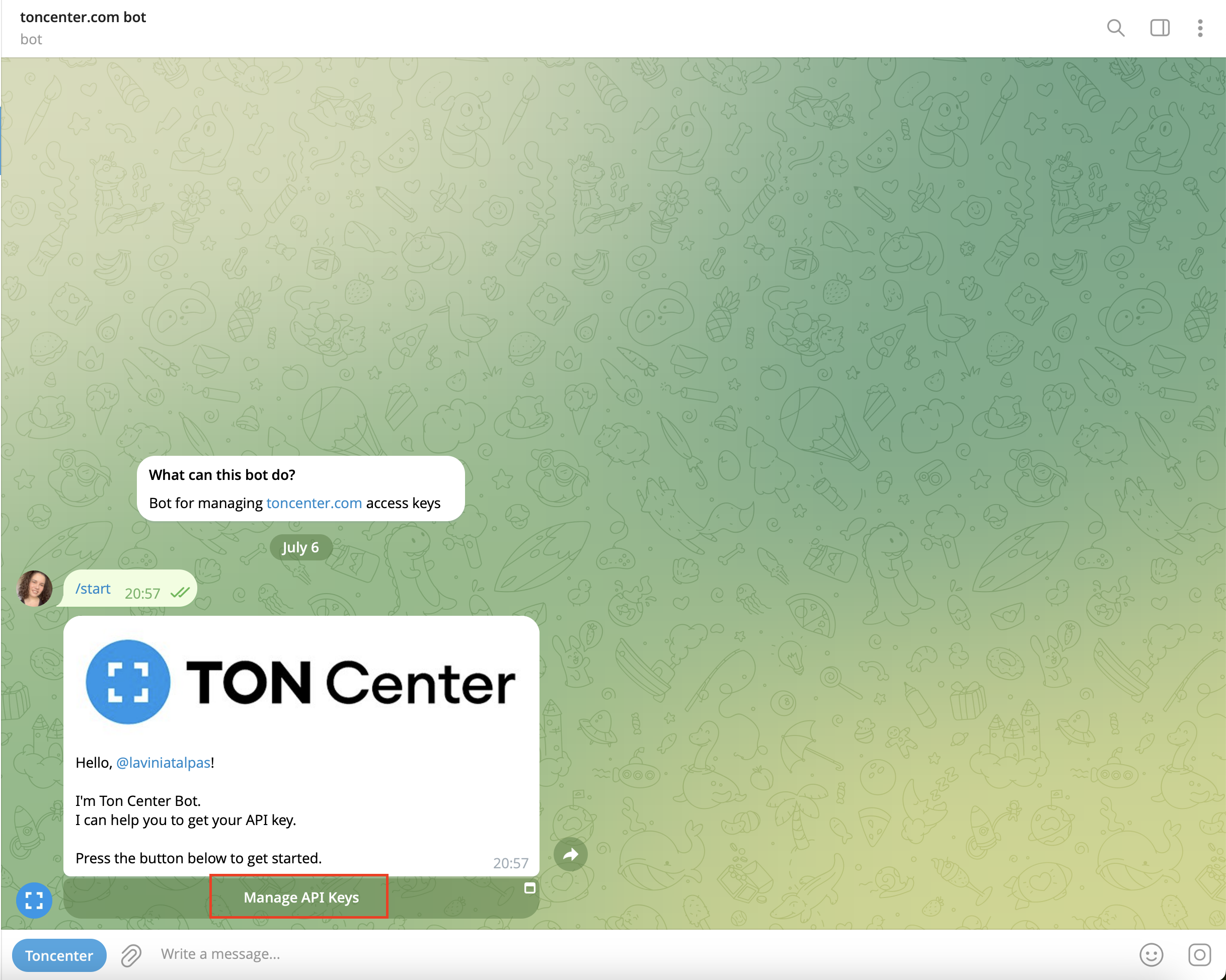
Once the bot greets you, press **Manage API Keys**.
***
## 2. Open the API Keys Manager
Once the bot greets you, press **Manage API Keys**.
 ***
## 3. Choose a Subscription Plan
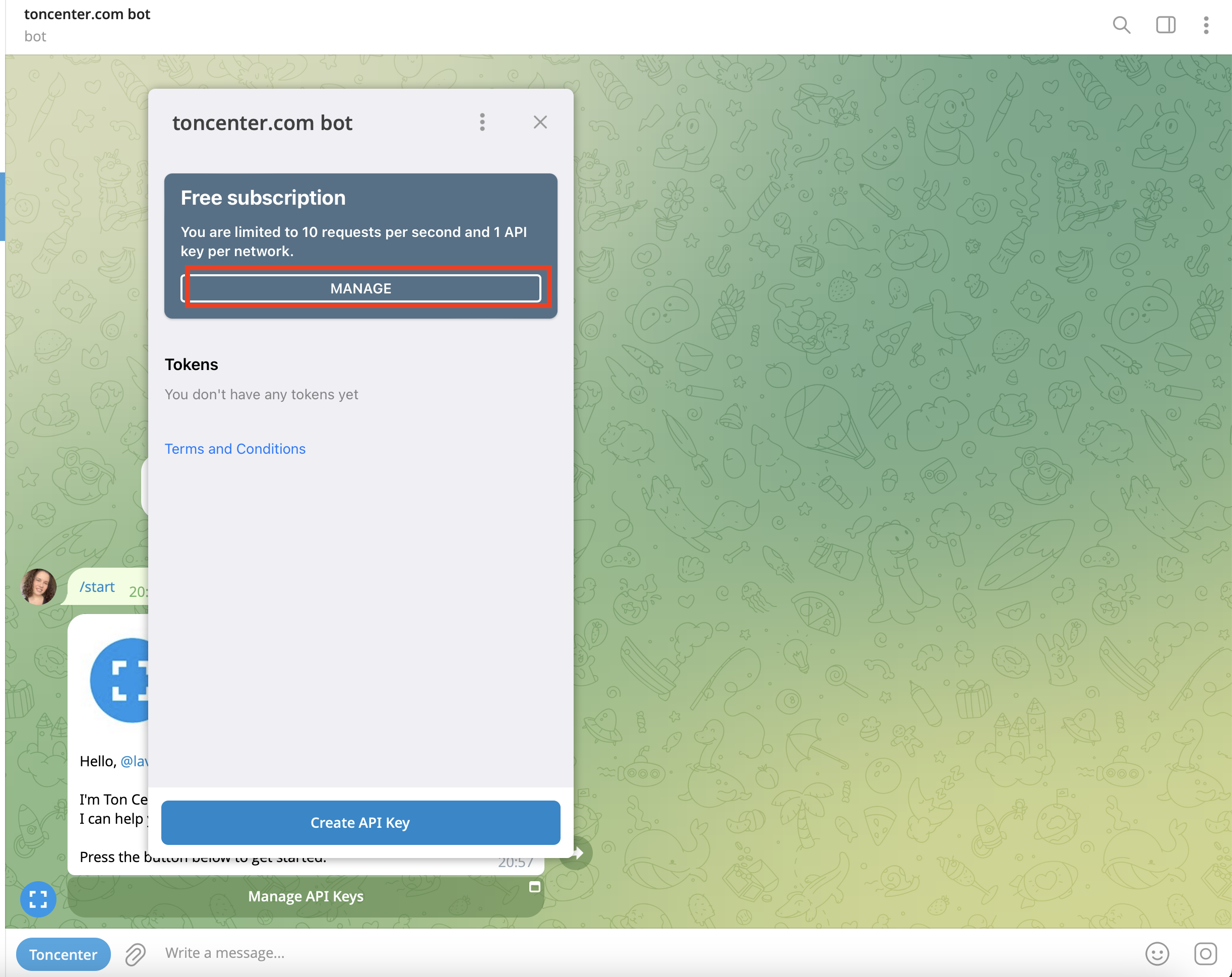
Click **Manage** to open your current subscription details. The default API subscription is the free one.
***
## 3. Choose a Subscription Plan
Click **Manage** to open your current subscription details. The default API subscription is the free one.
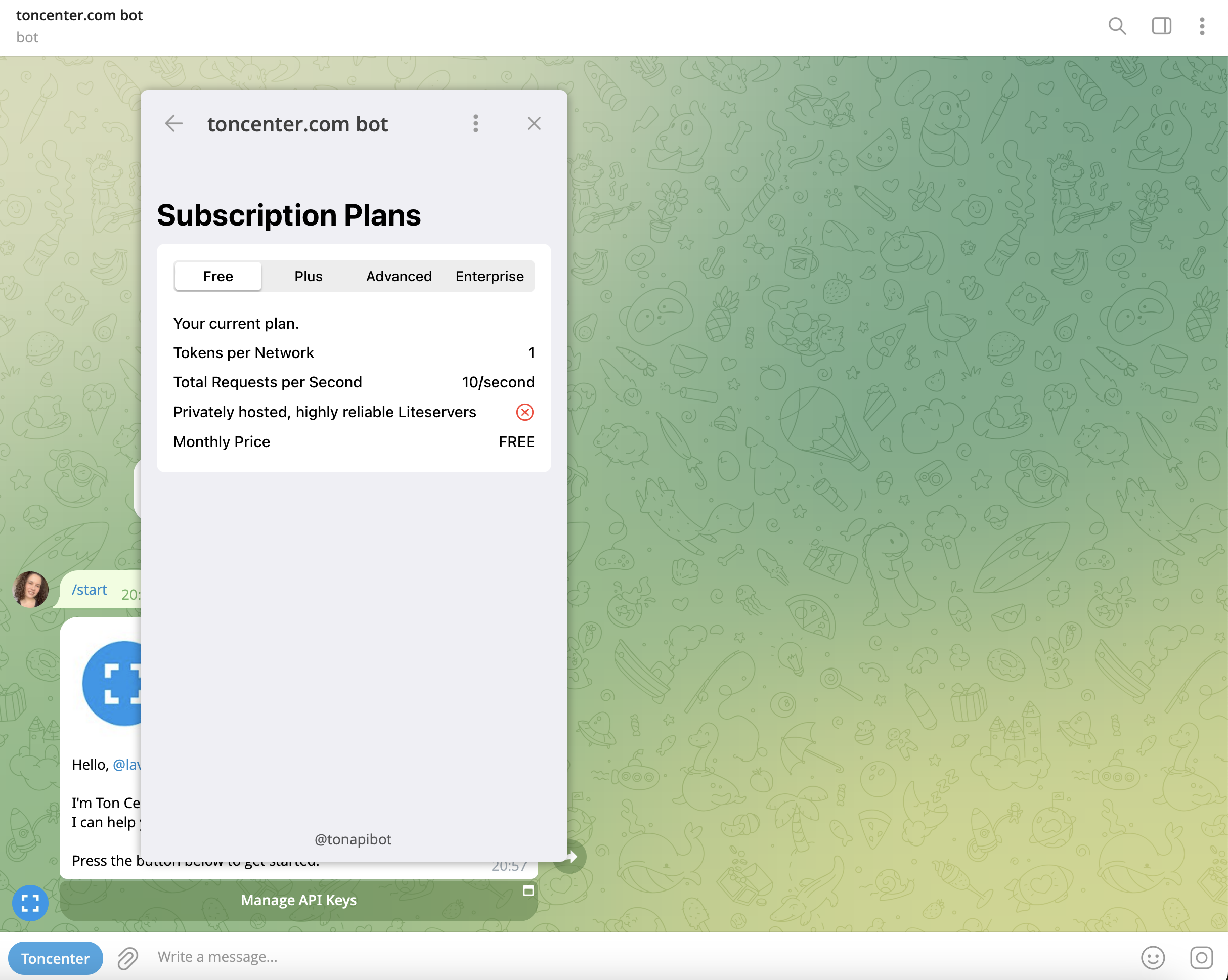 You’ll see different tiers available:
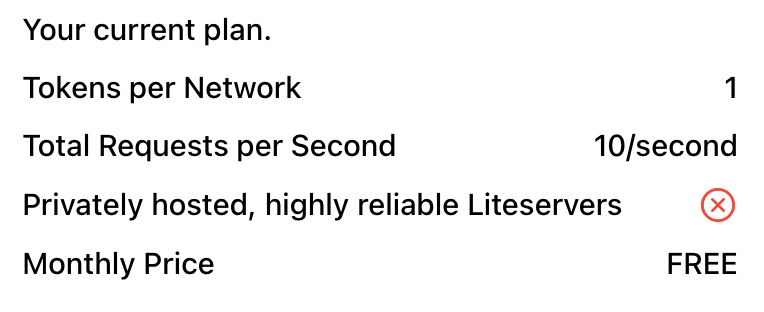
* **Free** – 10 requests/sec, 1 token per network
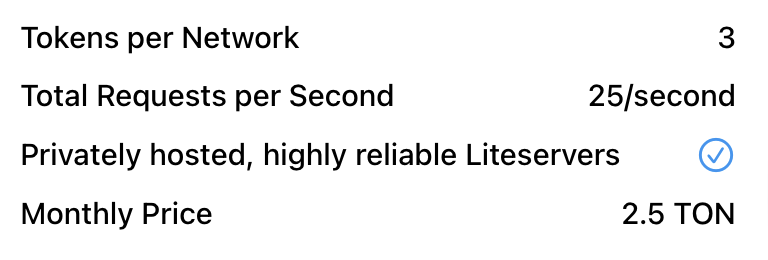
* **Plus** – 25 requests/sec, 3 tokens per network (2.5 TON/month)
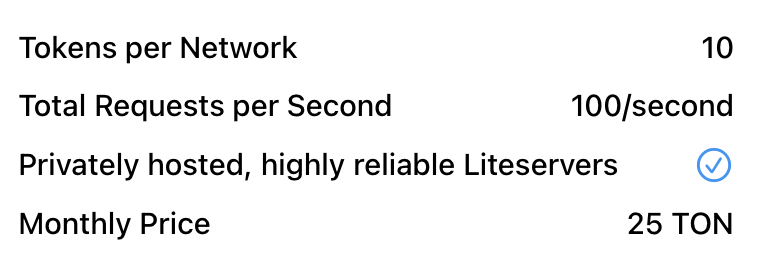
* **Advanced** – 100 requests/sec, 10 tokens per network (25 TON/month)
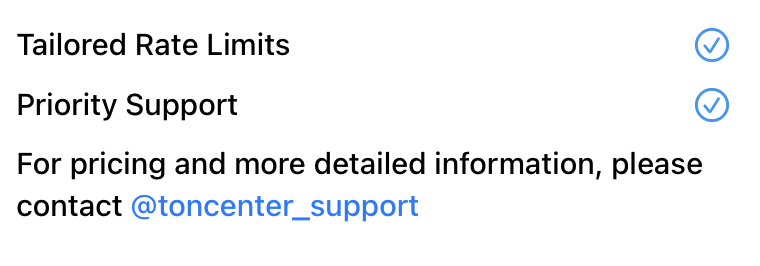
* **Enterprise** – Tailored rate limits, priority support
You’ll see different tiers available:
* **Free** – 10 requests/sec, 1 token per network
* **Plus** – 25 requests/sec, 3 tokens per network (2.5 TON/month)
* **Advanced** – 100 requests/sec, 10 tokens per network (25 TON/month)
* **Enterprise** – Tailored rate limits, priority support
 ***
## 4. Upgrade Your Plan (Optional)
To upgrade:
* Select your desired plan in the bot interface and click **Purchase Subscription**.
* You’ll be shown payment instructions like the following:
***
## 4. Upgrade Your Plan (Optional)
To upgrade:
* Select your desired plan in the bot interface and click **Purchase Subscription**.
* You’ll be shown payment instructions like the following:
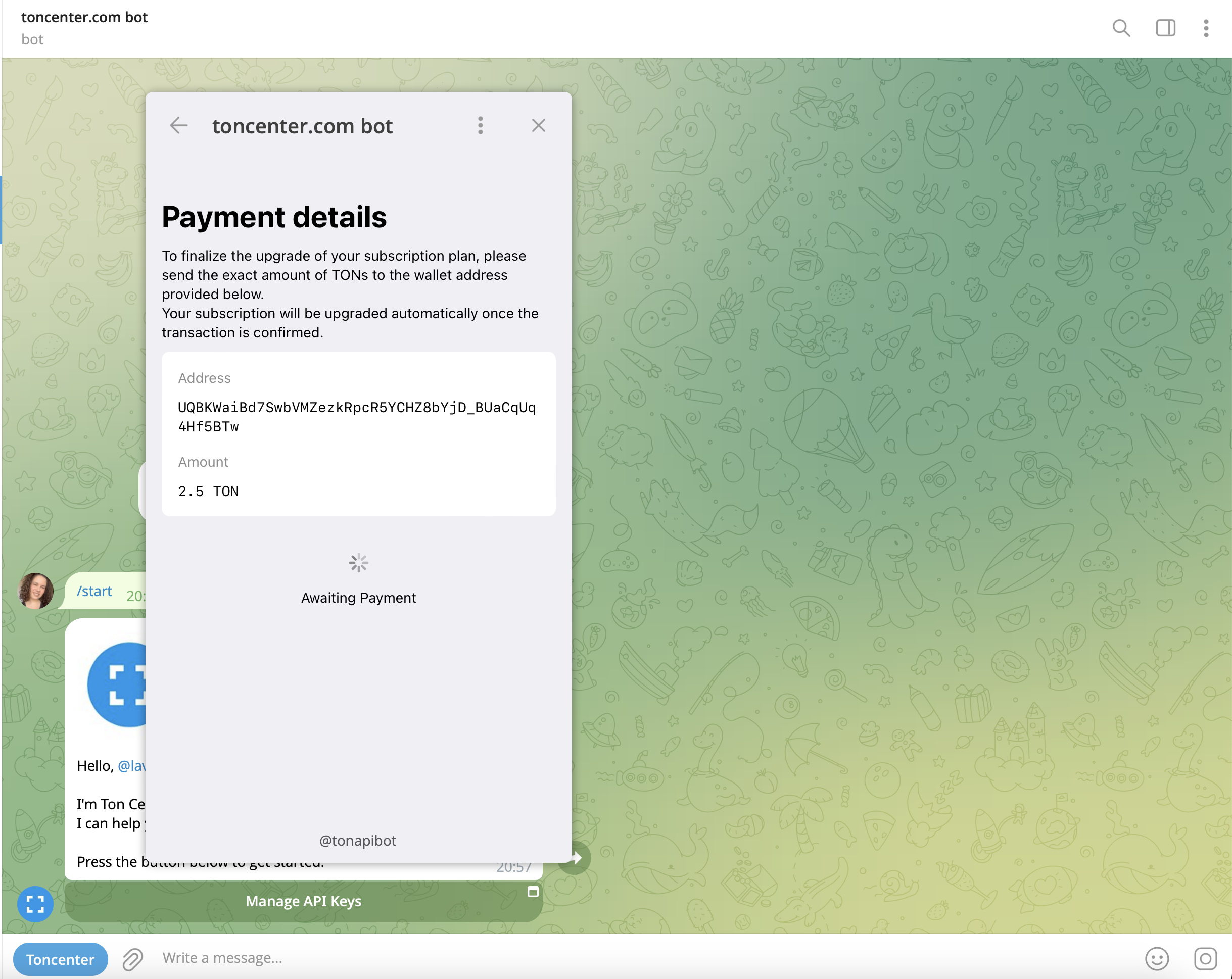 * Send the **exact amount** of TON to the address provided.
* Your subscription will upgrade automatically once the transaction is confirmed.
***
## 5. Create Your API Key
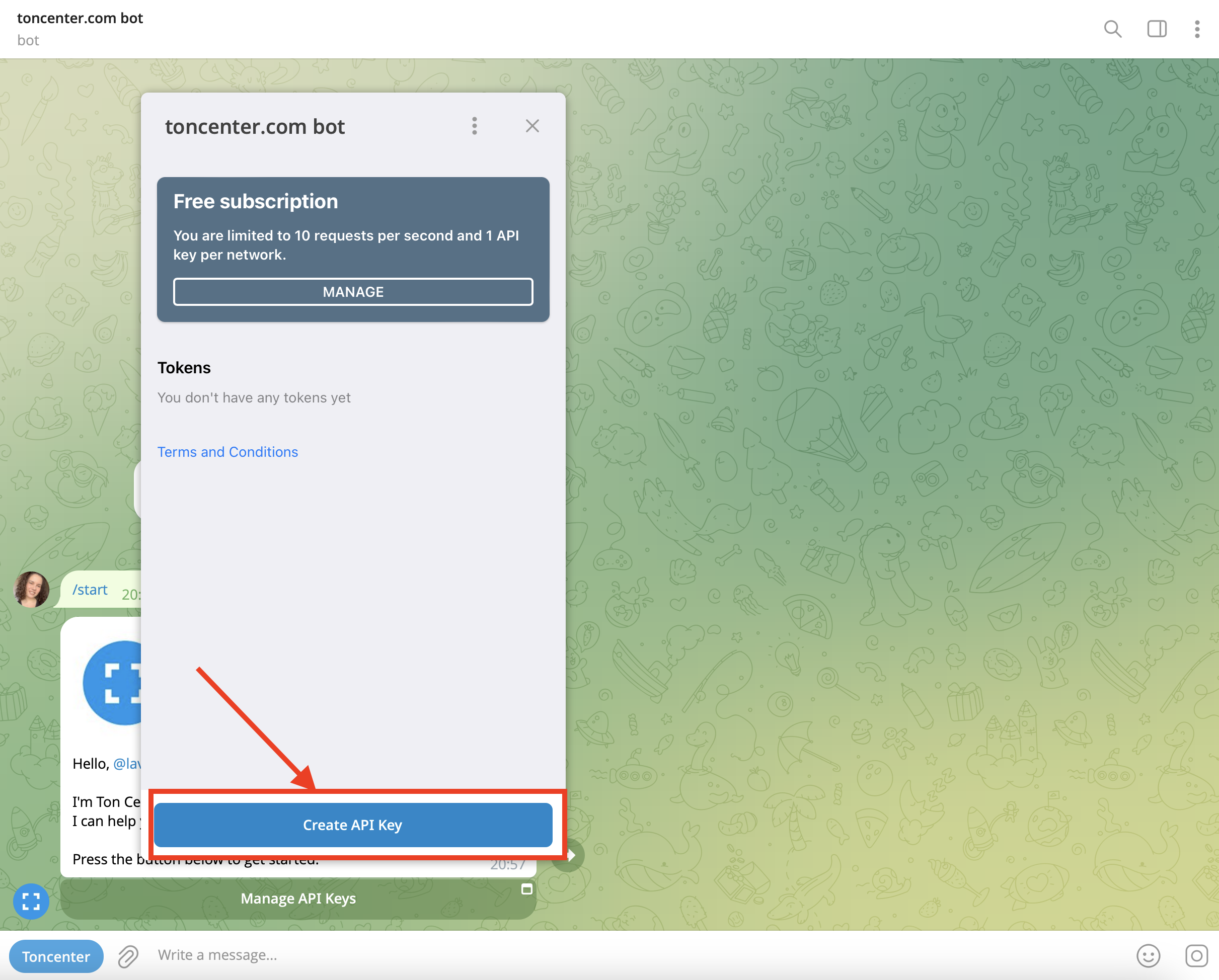
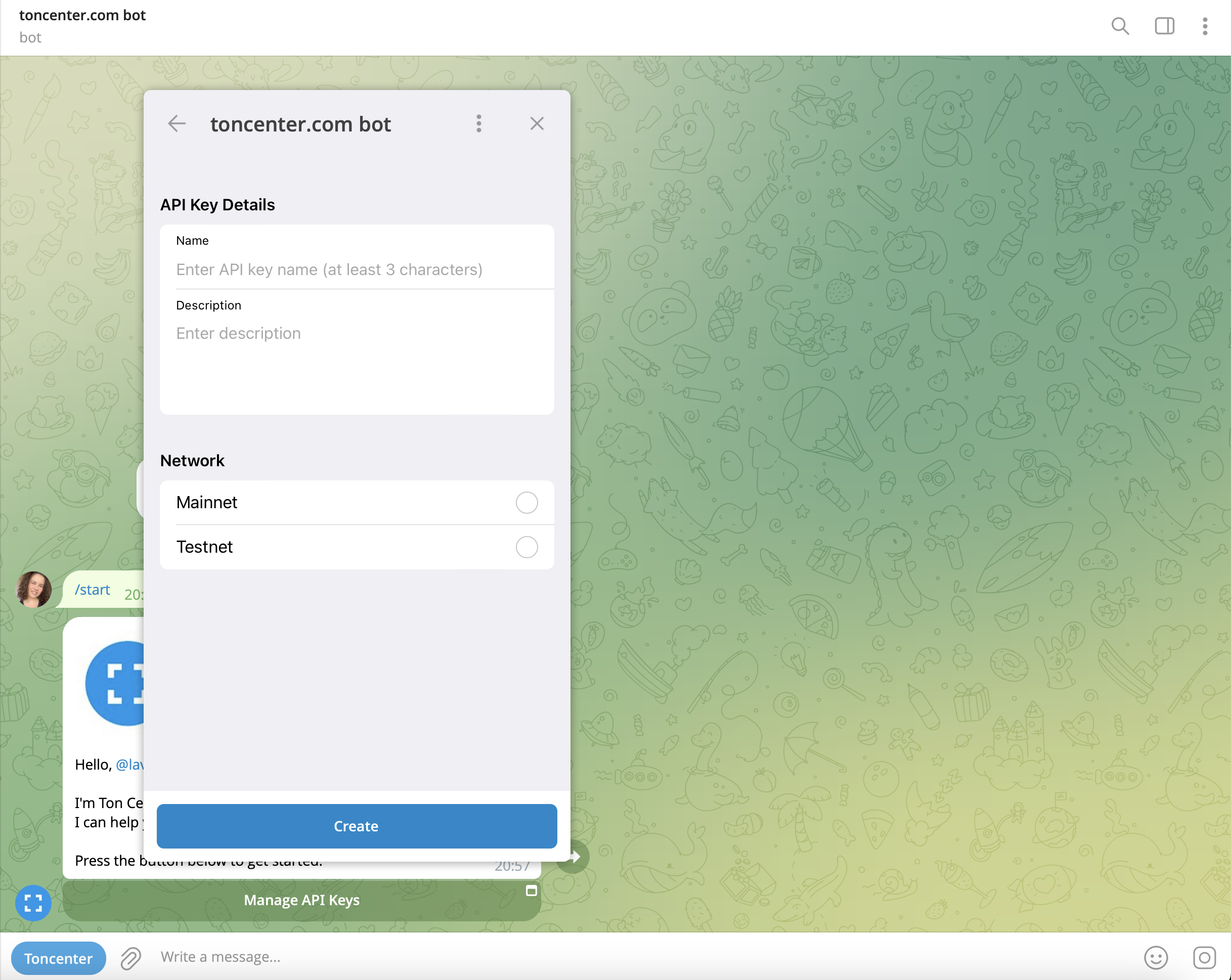
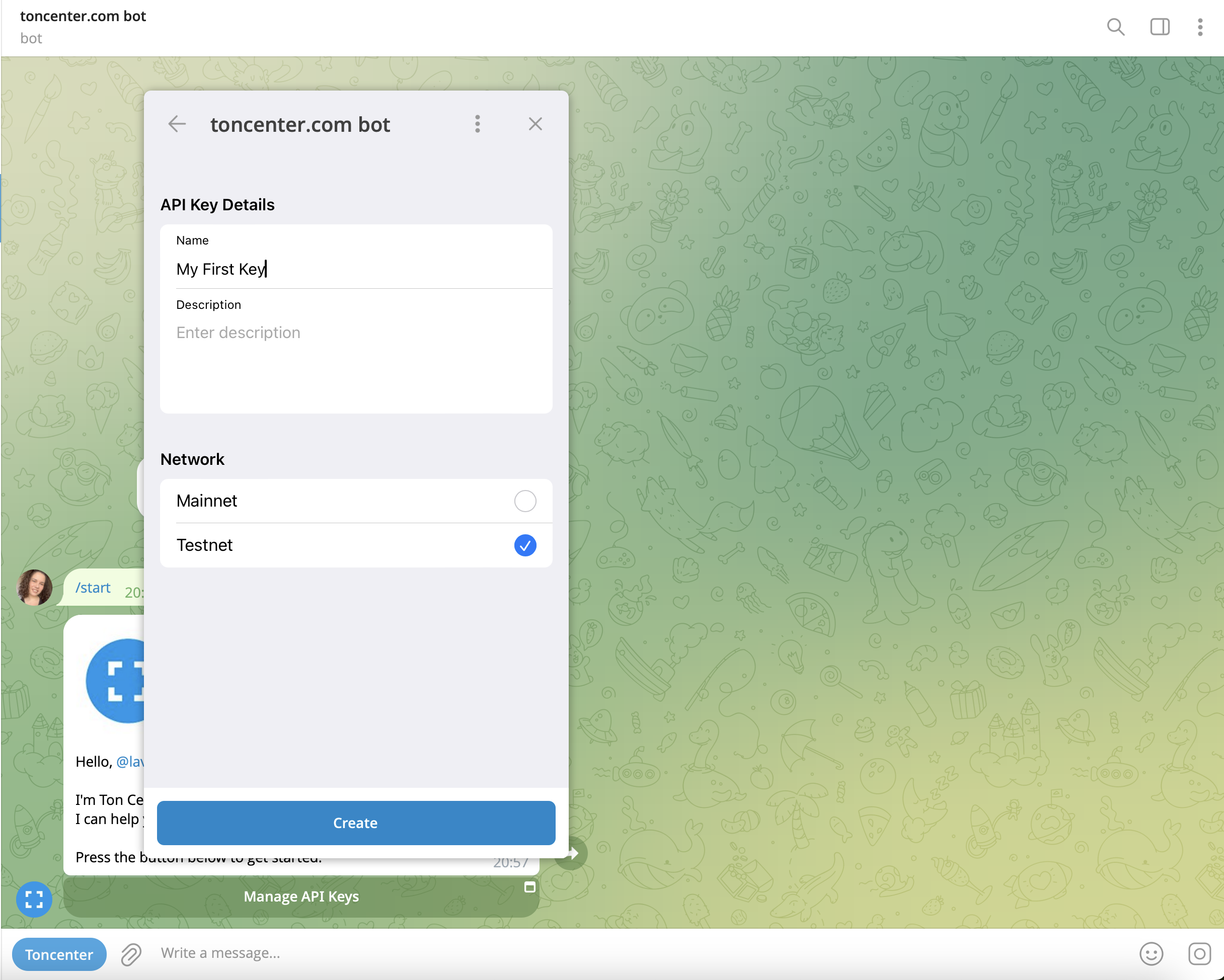
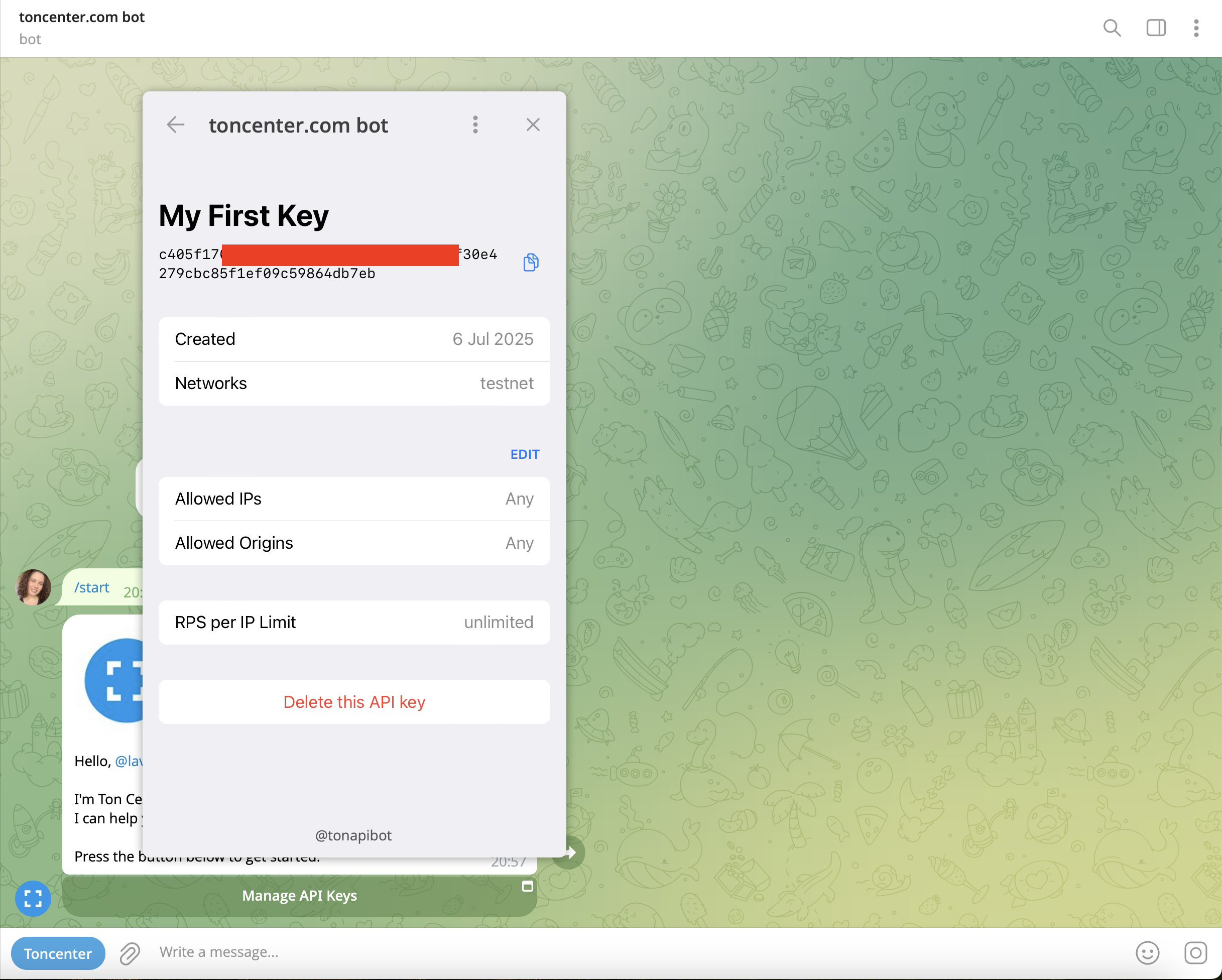
After subscribing (or staying on Free), click **Create API Key** to generate your key.
Once created, your token will appear in the list and can be used in all authenticated requests.
* Send the **exact amount** of TON to the address provided.
* Your subscription will upgrade automatically once the transaction is confirmed.
***
## 5. Create Your API Key
After subscribing (or staying on Free), click **Create API Key** to generate your key.
Once created, your token will appear in the list and can be used in all authenticated requests.
 ***
## Need Help?
* General help: [@toncenter\_help\_bot](https://t.me/toncenter_help_bot)
* Enterprise & custom plans: [@toncenter\_support](https://t.me/toncenter_support)
***
***
## Need Help?
* General help: [@toncenter\_help\_bot](https://t.me/toncenter_help_bot)
* Enterprise & custom plans: [@toncenter\_support](https://t.me/toncenter_support)
***